
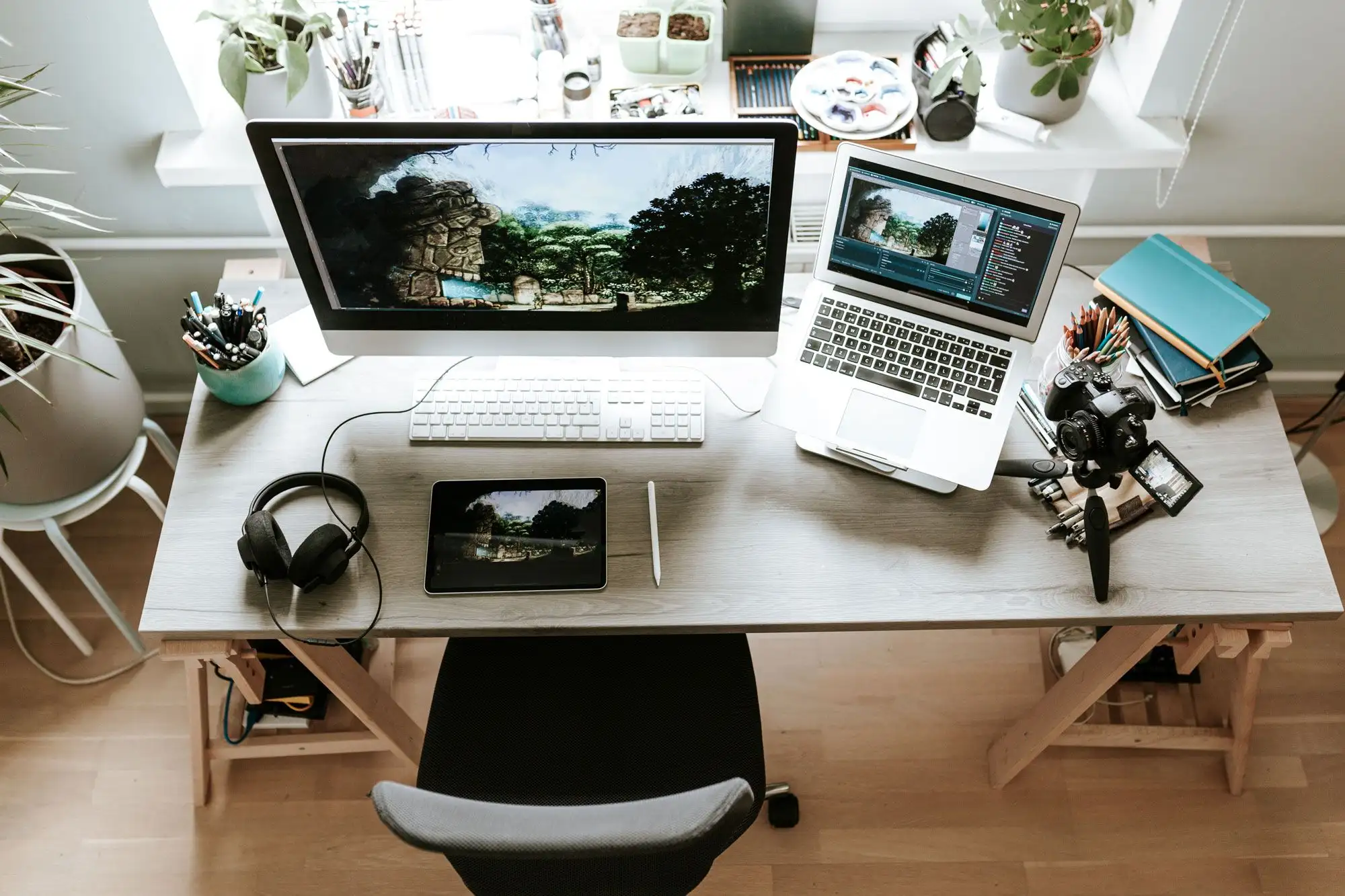
Your Home Office Should Work as Hard as You Do
Working from home sounds ideal. No commute, your own playlist, and yes, coffee that doesn’t cost $6. But after a few months (or years), most of us realized: it’s not about cute setups, it’s about surviving the day without back pain or screen-glare headaches.
Here’s the reality: if you’re spending eight hours or more at home working, the right gear matters. Yes, an ergonomic chair and an adjustable desk are key. But don’t stop there. Comfort and productivity come from how your whole space supports you, and that’s where lighting, automation, and mood come in.
Step 1: Control the Light (It’s a Productivity Tool, Not Just a Vibe)
Natural light can be energizing, but too much of it (especially through floor-to-ceiling windows) turns into a daily battle with glare, screen reflections, and temperature swings.
That’s where automated smart shades come in.
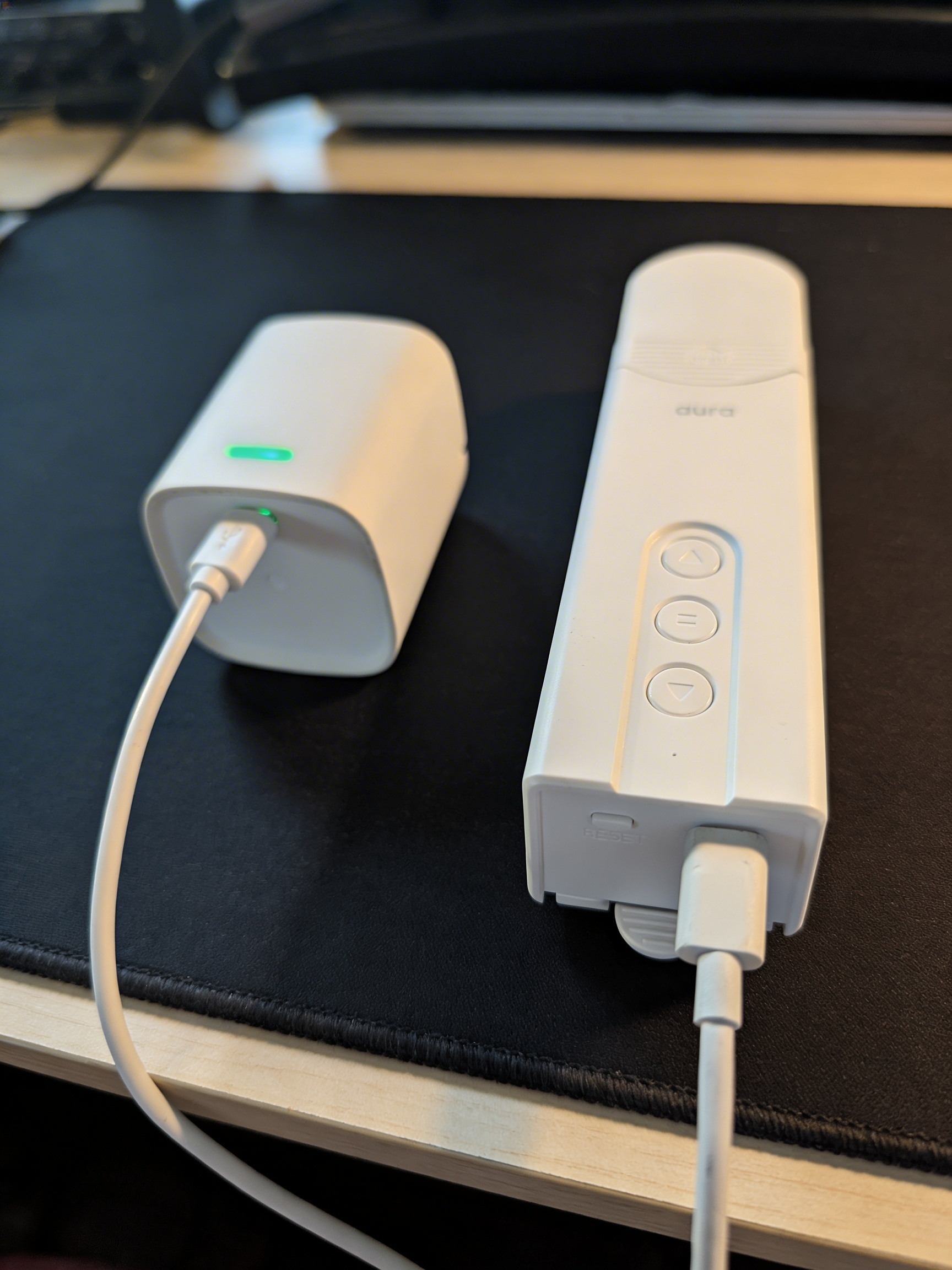
RYSE SmartShade retrofits to the beaded chain on roller blinds, no drilling, no hardwiring. Full control without replacing anything, and it’s right up there with a standing desk in terms of impact.
- Morning: Blinds open with the sunrise so you wake up naturally.
- Midday: They close partially to cut glare without shutting out the view.
- Evening: Full close for privacy and wind-down mode.
This isn’t just about looks. It’s about feeling better, seeing your screen, and not fighting with your lighting every two hours.
Step 2: Build an Environment That Matches Your Energy
Mood-shifting lighting sounds optional until you’ve lived with it.
- Cool white during deep work blocks keeps you alert.
- Warm amber in the evening signals to your brain: you’re done.
Paired with the smart shades, the whole vibe of the room shifts from productivity to relaxation. No jarring transitions, just smooth control from your phone or voice assistant.
Step 3: Use Automation to Reduce Mental Clutter
Automation isn’t about impressing guests. It’s about reducing decision fatigue.
Say “Start Work” and the blinds adjust, the lights shift, and the coffee machine kicks on via smart plug. When the sun starts heating the room, the shades close automatically so the A/C doesn’t have to work overtime.
Everything’s wireless and renter-safe. No holes in the wall, no rewiring, just smooth setup and smoother days.
Step 4: Create Clear Boundaries (Even If You Live in a Studio)
Working from home blurs everything. But simple routines can train your brain to switch gears.
- Blinds close at the end of the workday
- Lighting transitions from daylight to warm evening tones
- Smart plugs shut off your work gear so you’re not tempted to keep checking emails
Even if your desk is two steps from your couch, these little changes help you log off for real.
The Essentials Worth Buying
Forget trendy desk toys. These are the pieces that genuinely change how a small space works:
- Fully Jarvis Standing Desk – For posture, movement, and long-haul work sessions
- Herman Miller Aeron Chair – The one piece nobody regrets
- RYSE SmartShade – Controls light like a pro and fits seamlessly into small spaces
- Philips Hue Smart Lighting – Mood-specific scenes for focus or wind-down
- Kasa Smart Plugs by TP-Link – Automate the basics (like your coffee or monitor setup)
- Sony WH-1000XM5 Headphones – Block out distractions and lock into focus
The Bottom Line
A great work-from-home setup isn’t about stacking more tech, it’s about creating a space that supports your body, your mind, and your schedule. If you’re investing in a standing desk or ergonomic chair (which you absolutely should), don’t overlook lighting and automation.
RYSE SmartShade is one of the most impactful upgrades on this list, right up there with the desk and the chair. It makes a space feel more professional, more comfortable, and way easier to manage day-to-day.
And yes, it still looks good while doing it.
.png)